INTELLIGENCE
Guides

How to Get Started with Hex for Team Analytics
Hex is a cloud-based analytics workspace that combines SQL, Python, and no-code cells in a single collaborative notebook. To get started, create a free account at hex.tech, connect a data source such as Snowflake, BigQuery, or a CSV upload, open a new project, and begin querying. The Notebook Agent, launched in August 2025, generates SQL and charts from plain English prompts and speeds up analysis significantly once semantic context is configured.

How to Build Reports with Evidence.dev
Evidence is an open source framework that turns SQL queries and Markdown files into shareable, interactive data reports. You write SQL to pull your data, structure your page in Markdown, and Evidence renders everything as a fast static website you can host for free on Vercel or Netlify. The workflow takes about 20 minutes to set up and removes the need for a dedicated BI tool for most internal reporting use cases.

How to Get Started with Briefer for Data Analysis
Briefer is an open-source analytics notebook that combines SQL, Python, and dashboards in a Notion-like interface. Unlike Jupyter, it needs no local Python environment and supports real-time collaboration. Teams connect it to PostgreSQL, BigQuery, Snowflake, or CSV files, run queries, build charts, and share reports without writing infrastructure code. The cloud version is free for up to three users and takes about five minutes to configure.
How to Get Started with SQLMesh
SQLMesh is an open-source SQL transformation framework that runs data models up to 9 times faster than dbt Core. Donated to the Linux Foundation in March 2026, it works alongside or as a replacement for dbt with full backwards compatibility. Install with pip, initialize a project using a local DuckDB database, and run your first transformation in under five minutes with no external infrastructure required.
How to Set Up Great Expectations for Data Quality
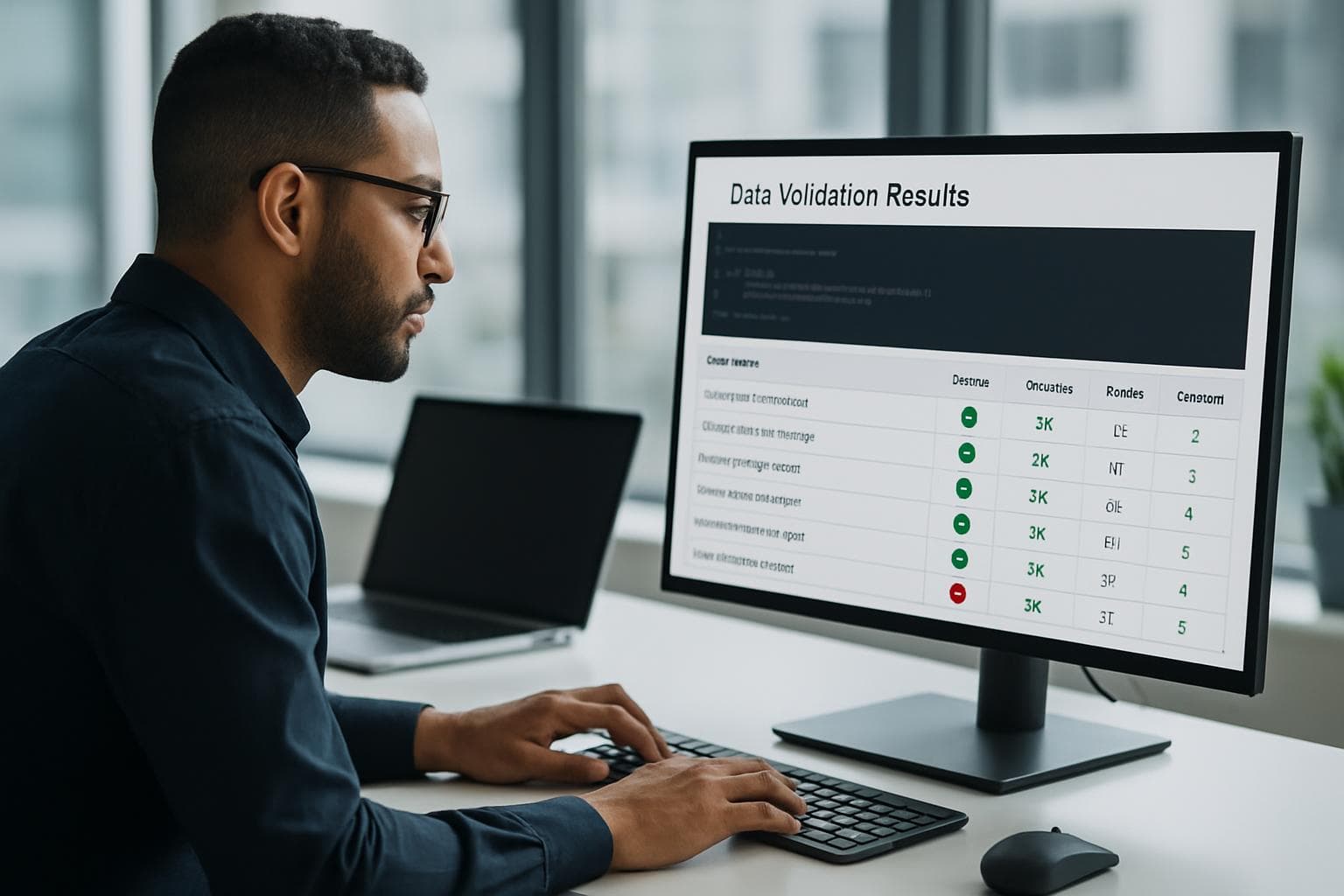
Great Expectations (GX Core) is a Python library that validates data against a set of declarative rules before it reaches your pipeline or reports. Install it with pip, connect it to a CSV, SQL table, or cloud file, define Expectations describing what valid data looks like, then run a Checkpoint to validate on a schedule and receive alerts on failure. Setup takes under 15 minutes and works with pandas, SQL databases, Spark, and S3.
How to Analyze CSV Files with DuckDB
DuckDB is an open-source analytical database that runs entirely on your machine with no server setup required. Analysts can install it in under two minutes and immediately run SQL queries against local CSV, Excel, and Parquet files. Version 1.5.2, released April 2026, brought the DuckLake extension to production status. This guide covers installation, querying local files, joining datasets, filtering large files, and exporting results using DuckDB's built-in CLI.

How to Set Up Coalesce for Data Transformation
Coalesce is a visual data transformation platform that compiles SQL pipelines inside your data warehouse — Snowflake, Databricks, or Microsoft Fabric — without requiring you to write raw SQL by hand. You connect your warehouse, drag source tables onto a canvas, add stage and dimension nodes, and Coalesce generates and runs the underlying SQL. Teams using Coalesce report building production-ready pipelines in hours instead of days compared to hand-coded dbt workflows.
How to Set Up Tableau Pulse for Your Team
Tableau Pulse is an AI-powered feature in Tableau Cloud that pushes personalized metric insights to users through email and Slack digests, without requiring them to open a dashboard. Setting it up involves three main steps: enabling the feature in your site settings, publishing at least one data source to Tableau Cloud, and creating metric definitions. Once configured, any user on the site can follow metrics and receive automatic alerts when numbers shift.

How to Migrate Your Code to Pandas 3.0
Pandas 3.0, released January 21 2026, enforces copy-on-write semantics by default, switches string columns from object dtype to a dedicated str type backed by PyArrow, and requires Python 3.11 or higher. Code written for pandas 1.x or 2.x will often fail silently or raise new errors. Upgrading requires auditing chained assignments, testing string operations, and validating dtype assumptions throughout your codebase.